By the Tunisia Tourism Guide team · Last updated 13 November 2026 · We don’t sell tours or take hotel commissions — this is independent advice, written to be useful.
Will your UK phone work in Tunisia, and what will it cost if it does? Should you buy a local SIM at the airport, set up an eSIM before you fly, or just switch off mobile data and live on hotel Wi-Fi for a week? It’s one of those small decisions that can quietly cost you a lot of money if you get it wrong, because Tunisia sits outside the European roaming deals most British travellers are used to.
The best Tunisia SIM card for most visitors is a local prepaid tourist pack: Ooredoo’s Holiday SIM starts at 15 TND (about £3.75) for 3.5GB over 15 days, and also comes as an eSIM. Roaming on a UK plan is far dearer, because Tunisia isn’t in the EU roaming zone.
This guide belongs to our wider collection of practical travel tips for Tunisia. Below we compare every option (UK roaming, a local SIM, a local or international eSIM, and Wi-Fi only), give the current tourist SIM prices in dinars and pounds, explain where and how to buy one, and finish with the emergency numbers worth saving before you land.
Tunisia SIM card options at a glance
| Option | What it costs | Good for | Watch out for |
|---|---|---|---|
| Local tourist SIM (physical) | From 15 TND (about £3.75) with Ooredoo’s Holiday SIM | Almost everyone staying a week or more; lots of data, a Tunisian number | Your phone must be unlocked; expect to show your passport |
| Local eSIM | Ooredoo sells its Holiday SIM packs as an eSIM too | eSIM-compatible phones; keeps your UK SIM in place | Your phone must support eSIM and be unlocked |
| International travel eSIM | Varies by provider; usually more per gigabyte than a local pack | Setting everything up before you fly; short trips | Data-only plans are common; no Tunisian number |
| Roaming on your UK plan | EE’s pass for its Zone 2, which includes Tunisia, is £8 a day | A day or two, or when you need your UK number on the same SIM | Adds up fast over a week (EE’s 7-day pass is £40); pay-as-you-go rates can be steep |
| Wi-Fi only | Free in many hotels and cafés | Resort-based holidays where you rarely leave the hotel | No maps or messaging once you step outside |
Prices checked in November 2026 against the operators’ own pages, and converted at the Banque Centrale de Tunisie’s rate of 4.0057 dinars to the pound on 6 November 2026.
Will my UK phone work in Tunisia?
Yes, in the sense that it will usually connect to a Tunisian network as soon as you land. The question is what you’ll pay. Since Brexit, UK networks set their own roaming rules, and Tunisia isn’t in the EU, so it falls outside the “Europe” zone bundles most people rely on in Spain or Greece. It typically sits in a more expensive “rest of the world” band.
EE’s price guide dated 31 March 2026 is a useful example. It places Tunisia in its Rest of World Zone 2, where a Roaming Pass costs £8 a day on pay monthly plans and lets you use your UK allowance. EE also sells a 7-day pass for the same zone at £40, which is still far more than 15 TND (about £3.75) for a fortnight’s local data. Other networks group countries differently and change their terms regularly, so check your own provider’s roaming checker before you travel rather than assuming.
Two things to do before you fly, whatever you decide:
- Look up your network’s Tunisia rate on its website or app, including whether it charges per day, per megabyte or per minute.
- Turn off data roaming until you’ve decided, so your phone doesn’t download a pile of updates on the airport tarmac at pay-as-you-go rates.
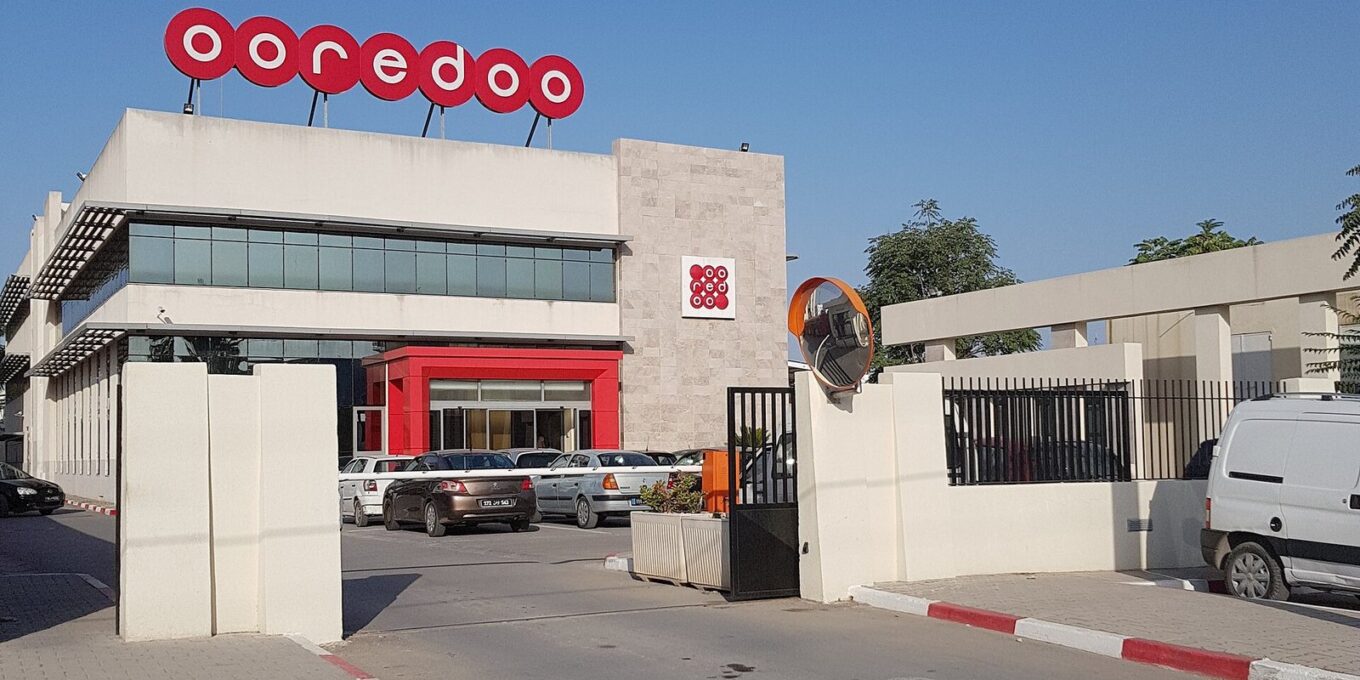
Tunisia’s mobile networks
Tunisia has three mobile operators: Ooredoo Tunisie, Orange Tunisie and Tunisie Telecom. All three sell prepaid SIMs and run 4G networks, and a communications ministry official said in February 2025 that all three could begin selling 5G from mid-February 2025. In practice, expect solid 4G in the cities and along the tourist coast, where most visitors spend their time.
Coverage thins out in remote areas, mountains and parts of the desert, which is worth bearing in mind if you’re heading south. Each operator publishes a coverage map on its own website. If your trip includes a night in the Sahara, don’t count on signal at the camp, and download offline maps before you leave the coast.
Which network is best? There’s no single answer: it depends on where you’ll be, and signal varies street by street. For most visitors, the deciding factor is simply which operator has the clearest tourist offer and a shop where you land. On that score, Ooredoo is the easiest to research, because it publishes a dedicated tourist pack with prices on its English-language site.

Ooredoo’s Holiday SIM: prices and what you get
Ooredoo sells a tourist package it calls the Holiday SIM, in four sizes. These are the packs listed on its website in November 2026:
| Price | In £ (approx.) | Data | Valid for | Local calls | International calls | SMS |
|---|---|---|---|---|---|---|
| 15 TND | £3.75 | 3.5GB | 15 days | 35 minutes | 10 minutes | 15 |
| 30 TND | £7.50 | 10GB | 30 days | 2 hours | 10 minutes | 30 |
| 40 TND | £10 | 25GB | 30 days | 3 hours | 25 minutes | 40 |
| 60 TND | £15 | 40GB | 30 days | 4 hours | 40 minutes | 50 |
Ooredoo says the Holiday SIM is also available as an eSIM, and that you can get more details at its airport outlets. It offers the pack on its website as a pre-order too. Our verdict: for a one-week holiday, the 15 TND pack is plenty if you use data for maps, messaging and the odd video call; if you’ll be streaming, uploading lots of photos or working, the 30 TND pack’s 10GB is better value. Prices and allowances change, so check the current offer on Ooredoo’s site or at the counter before you pay.
Orange Tunisie and Tunisie Telecom
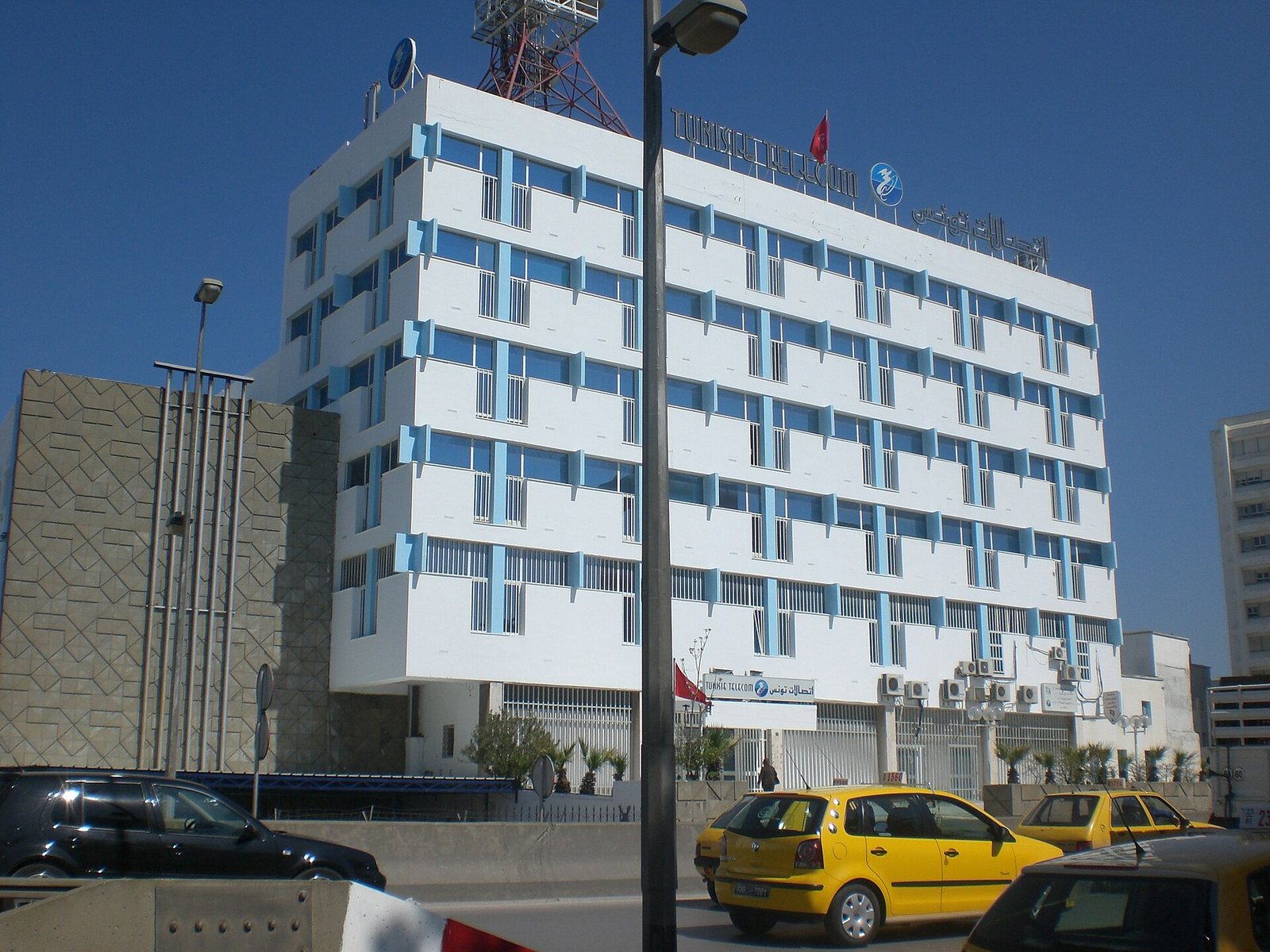
Both Orange Tunisie and Tunisie Telecom sell prepaid SIMs with data bundles through their shops, and both are perfectly good choices. The easiest approach is to walk into an official shop, say you’re a visitor who wants a prepaid SIM with data for a week or two, and ask for the total price including the SIM and the data bundle before you hand over any money. Check orange.tn or tunisietelecom.tn for current offers.
If you’ve got a choice of shops nearby, it can be worth comparing two before you buy. Local data is cheap by UK standards, so don’t spend half a day chasing the last few dinars.
Where to buy a SIM card in Tunisia
At the airport
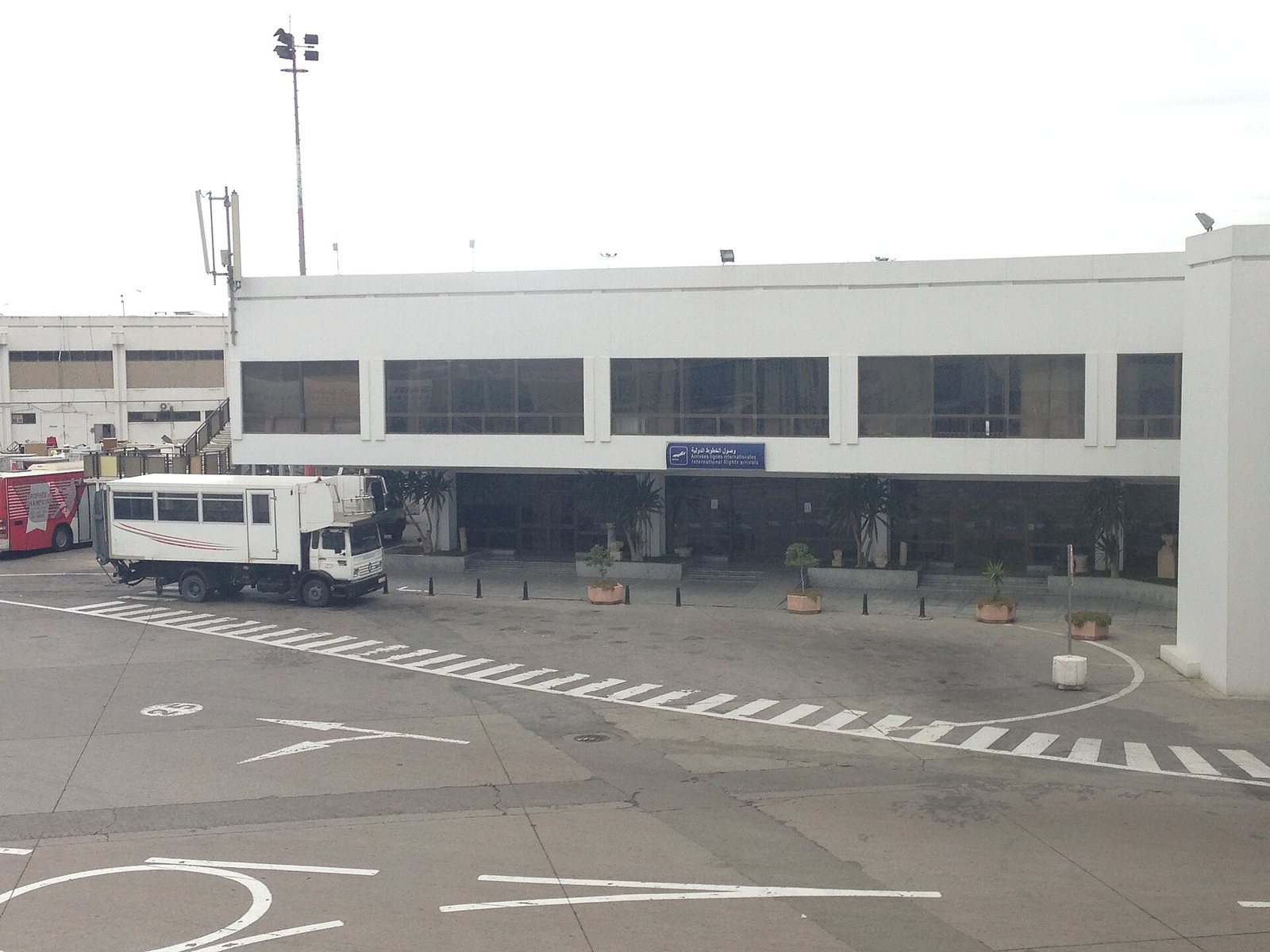
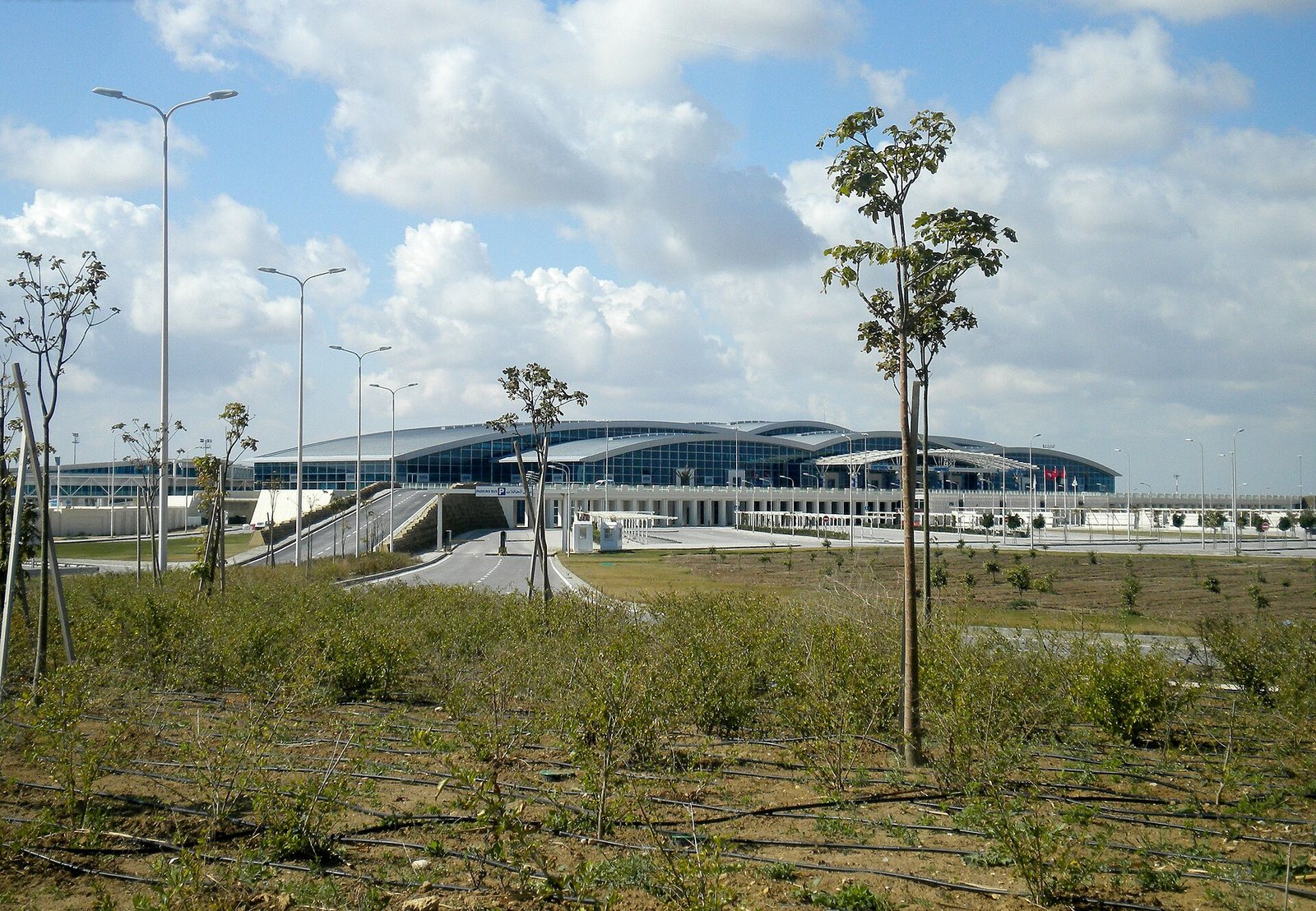
Ooredoo directs visitors to its airport outlets for the Holiday SIM, and buying on arrival is the obvious choice if you want to be connected before your transfer. Opening hours don’t always match late-night flights, though, so if you land in the small hours be ready to wait until the next day. Tunis-Carthage, Enfidha-Hammamet, Monastir and Djerba-Zarzis are the airports most British visitors use.
In town
Towns and resort areas have official shops for the operators, so you won’t have to look far. Buying in an official shop rather than a phone kiosk or a street seller means the staff can register the SIM, install it and check it works before you leave. That’s worth a lot if your Arabic and French are rusty.
Before you go
An eSIM can be bought and installed at home, so you land connected. Ooredoo offers its Holiday SIM as an eSIM, and there are also international eSIM apps that sell Tunisia data plans. Compare the price per gigabyte and the validity carefully: international plans are convenient, but they usually cost more than a local pack and are often data-only.
How to buy a Tunisian SIM, step by step
- Check your phone is unlocked. A phone locked to your UK network won’t accept a foreign SIM. Ask your network to unlock it before you travel; many phones bought outright are already unlocked.
- Take your passport. Shops commonly ask for ID when they register a SIM, so have it with you.
- Go to an official shop or airport outlet. Ask for a prepaid SIM with a data bundle, or Ooredoo’s Holiday SIM by name.
- Agree the total price. Ask what’s included (data, validity, calls) and pay in dinars; small shops may prefer cash.
- Let the staff set it up. They’ll insert the SIM, activate the bundle and confirm data works. Keep your UK SIM somewhere safe, or use your phone’s dual-SIM or eSIM slot so you keep both.
- Write down your new number and how to check your balance, then send a test message.
Because the dinar is a closed currency, you’ll need to have changed money or used a cash machine first; our guide to the Tunisian dinar explains where and how.
eSIM or physical SIM?
An eSIM is a digital SIM you install by scanning a QR code or through an app. Most recent iPhones and many Android phones support them, but not all, so check your phone’s settings before you rely on one.
Choose an eSIM if you want to arrive connected, your phone supports it, and you’d rather keep your UK SIM physically in place for banking texts and calls. A local eSIM such as Ooredoo’s gives you local prices; an international one trades a higher price for the convenience of buying at home.
Choose a physical SIM if your phone doesn’t support eSIM, you want the cheapest possible data, or you’d like someone in a shop to set it up for you. It also gives you a Tunisian number, which is handy for calling restaurants, drivers and guesthouses, and for messaging apps if you’d rather not share your UK number.
One tip for either: many UK banks send security codes by text. If you swap out your UK SIM, make sure you can still receive them, or switch to your bank’s app-based approval before you leave.
What about Wi-Fi?
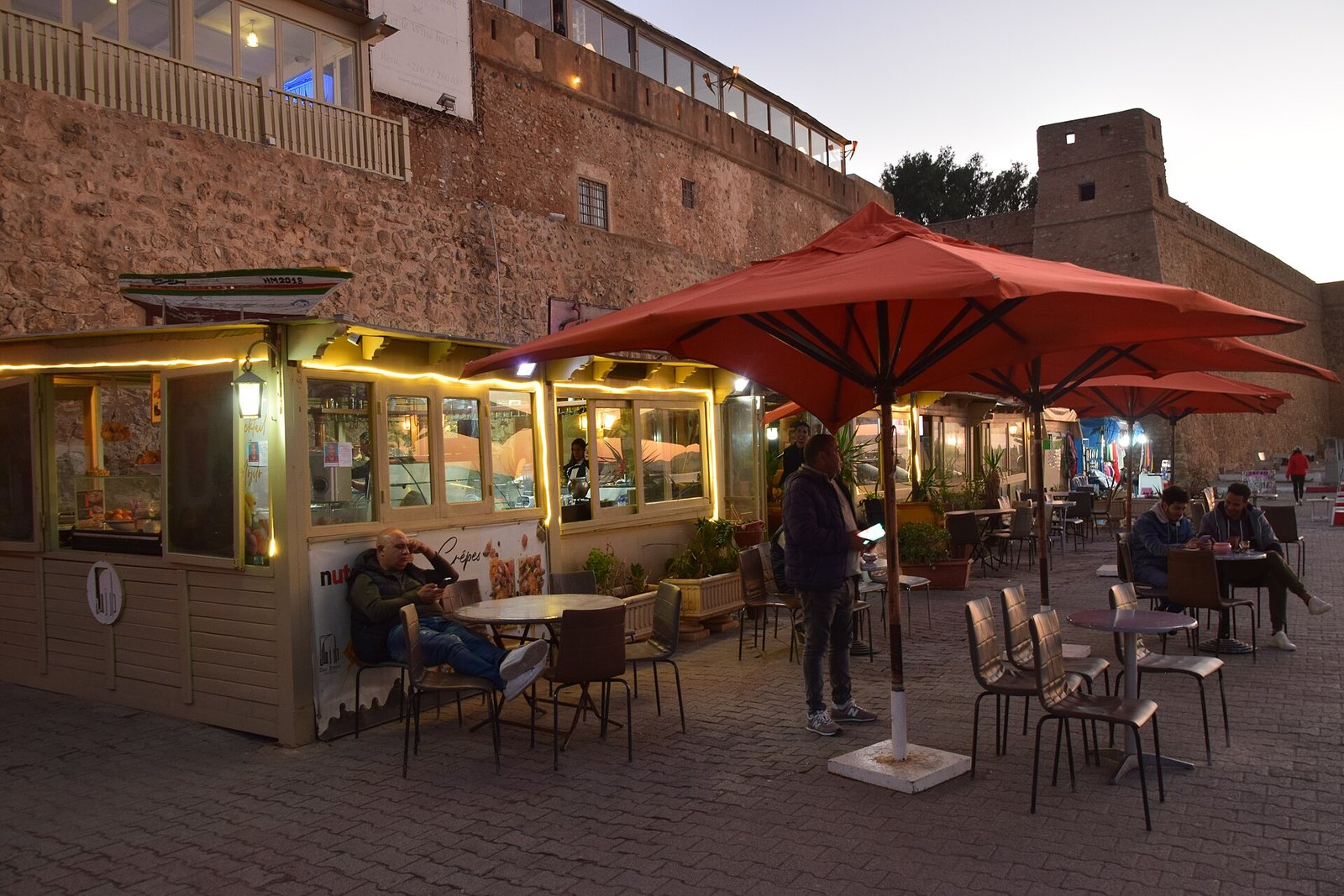
Hotels, guesthouses and many cafés in Tunisia offer Wi-Fi, so a phone with no mobile data at all is a realistic option if you’ll mostly stay in the resort. The catch is that hotel Wi-Fi can be patchy in rooms and around the pool, and the moment you leave the building you lose maps, messages and the ability to call for a taxi. For a few pounds, a local data bundle removes all of that, which is why we’d recommend one for anyone planning even a single day out.
Power, charging and the summer power cuts
Tunisia uses Type C and E sockets, the round two-pin European type, so bring the same adaptor you’d use in France or Spain. A power bank is worth packing too. The FCDO notes that power cuts can happen in Tunisia during summer heatwaves, and that they can temporarily affect mobile phone networks and Internet connections; in extreme cases they can affect water supply and payments (ATMs and card payments). They’re usually temporary, but a charged power bank and a little cash in your pocket mean they won’t strand you.
FCDO advice, last updated 24 July 2026 and still current on 10 November 2026; always check gov.uk/foreign-travel-advice/tunisia before you book.
Emergency numbers to save in your phone
Whichever SIM you use, save these before you need them. They’re the numbers the FCDO lists for Tunisia:
| Service | Number |
|---|---|
| Ambulance | 190 |
| Fire and road accidents | 198 |
| Police (towns and cities) | 197 |
| National Guard (rural areas) | 193 |
It’s also worth saving your travel insurer’s 24-hour assistance number and your hotel’s phone number. Our guide to whether Tunisia is safe covers the wider picture, including the areas the FCDO advises against visiting.
Using your phone in Tunisia: practical tips
A SIM is only half the job. A few habits make your phone far more useful once you’re there, and save you a headache or two.
- Download offline maps before you fly. Save the areas you’ll visit in your maps app while you’re still on home Wi-Fi. Medina lanes confuse GPS, and you’ll be glad of a map that works without signal in the south.
- Use a dual-SIM set-up if your phone allows it. Keep your UK SIM (or eSIM) active for calls and bank texts, and set the Tunisian SIM as the line for mobile data. Then turn off data roaming on the UK line so it can’t run up charges in the background.
- Know how to top up. When you buy, ask the shop how to check your balance and add more data. Operators sell top-ups in their shops and through their apps, and the staff can show you the short codes.
- Save numbers in international format. Tunisian mobile numbers have eight digits; from a UK SIM you’ll need +216 in front. Saving your hotel, driver and guide with +216 means the number works whichever SIM you’re using.
- Messaging apps are the norm. Guesthouses, drivers and guides often prefer a message to a phone call, which is one more reason to have local data rather than relying on Wi-Fi.
- Keep your phone out of sight in crowds. As in any busy tourist area, a phone in a back pocket is an easy target in a packed souk or on a crowded TGM train. A zipped bag or front pocket is safer.
- Back up your photos. If you’re taking a lot of pictures, a bigger data pack lets them sync to the cloud as you go, so a lost phone doesn’t mean lost memories.
And when you fly home, don’t throw the SIM away straight away: keep it until you’re sure you no longer need any codes or messages sent to that number during your trip.
Which option should you choose?
A week all-inclusive in Sousse, Hammamet or Djerba
If you’ll barely leave the hotel, Wi-Fi might be enough. If you’ll do even one excursion or evening out, buy the smallest local pack at the airport or in town: for about £3.75 you’ll have maps, messages and a way to call your hotel. EE’s £8 a day roaming pass would cost more than twice the 15 TND pack in a single day.
A road trip or independent travel
Get a local SIM with a generous bundle, such as Ooredoo’s 30 TND or 40 TND pack. You’ll use data for navigation, booking guesthouses and calling ahead, and a Tunisian number makes all of that easier. Download offline maps for the south before you leave the coast. Our Tunisia road trip guide and guide to getting around Tunisia cover the driving side.
A Sahara trip
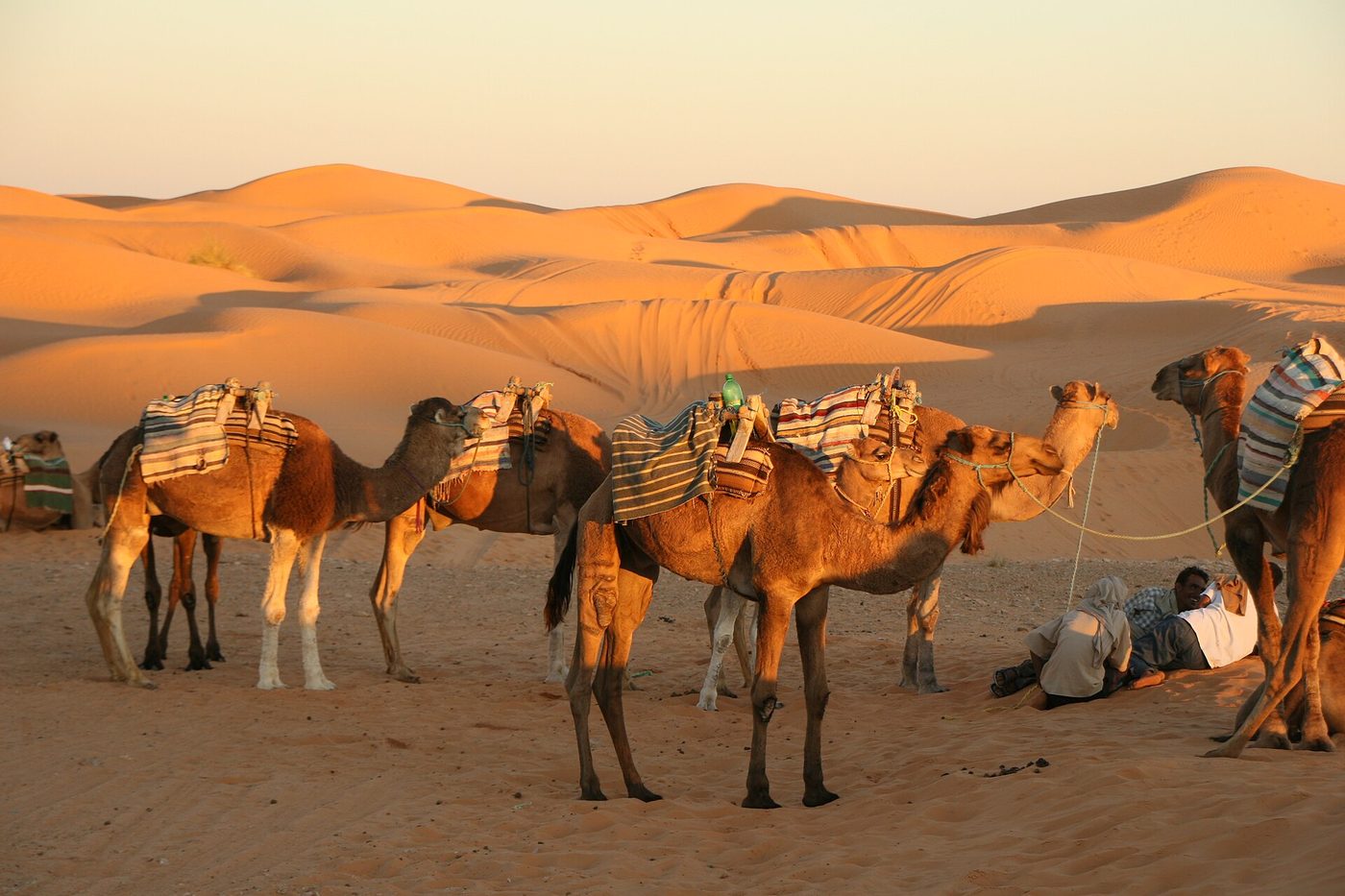
Buy a local SIM on the coast before you go, and assume that once you’re out among the dunes, the signal may come and go. Tell someone your plans, keep your phone charged and carry a power bank. Our guide to the Tunisian Sahara covers what to expect on a desert night.
A short city break in Tunis
A small local pack or an eSIM you install before you fly. Tunis has good coverage, and you’ll want maps for the Tunis medina, the TGM line to Carthage and Sidi Bou Said, and taxis.
Families
One local SIM with a big bundle, shared as a hotspot for the rest of the family, is usually the simplest and cheapest set-up. It also gives children’s phones a connection without everyone running up roaming charges.
Tunisia SIM card: frequently asked questions
Can I buy a SIM card at Tunis airport?
Usually. Ooredoo points visitors to its airport outlets for its Holiday SIM, and other operators also sell SIMs at airports. Opening hours don’t always cover very late arrivals, so if your flight lands in the middle of the night you may need to buy in town the next day. Take your passport, and check the price and allowance before you pay.
How much is a SIM card in Tunisia?
Cheap by UK standards. Ooredoo’s Holiday SIM packs cost 15 TND (about £3.75) for 3.5GB over 15 days, 30 TND (about £7.50) for 10GB over 30 days, 40 TND (about £10) for 25GB and 60 TND (about £15) for 40GB, each including some local and international minutes and texts, as listed in November 2026. Orange and Tunisie Telecom sell their own prepaid bundles in their shops.
Do I need a passport to buy a SIM card in Tunisia?
Take it with you. Shops commonly register SIM cards to the buyer and ask for ID, so carry your passport to the airport counter or operator’s shop, and ask the staff what they need before you pay.
Is there an eSIM for Tunisia?
Yes. Ooredoo says its Holiday SIM is also available as an eSIM, which gives you local prices with no physical card to swap. International eSIM apps also sell Tunisia data plans you can install before you fly; they’re convenient but usually cost more per gigabyte and are often data-only. Check your phone supports eSIM and is unlocked first.
Is roaming expensive in Tunisia?
Usually, yes, compared with a local SIM. Tunisia isn’t in the EU, so it falls outside UK networks’ Europe roaming zones. EE, for example, puts Tunisia in its Rest of World Zone 2, where a Roaming Pass is £8 a day or £40 for seven days. Other networks set their own rates, so check yours before you travel and switch off data roaming until you’ve decided.
Which mobile network is best in Tunisia?
All three operators (Ooredoo, Orange and Tunisie Telecom) run 4G and are rolling out 5G, with good coverage in cities and resort areas. Signal varies by location, so no network is best everywhere. For visitors, Ooredoo is the most straightforward choice because it publishes a priced tourist pack. If you’re heading somewhere remote, check each operator’s coverage map first.
Does Tunisia have 5G?
Yes, 5G is being rolled out: a communications ministry official said in February 2025 that the three operators could begin selling it from mid-February 2025. Coverage is still strongest in towns, and you’ll need a 5G-capable phone and a plan that includes it. For most holiday use, 4G is more than fast enough.
Will my phone work in the Sahara?
Partly. You’ll usually find signal in desert towns such as Douz and Tozeur, but out in the dunes and at remote camps coverage can be patchy or absent. Download offline maps, keep a power bank charged, and let someone know your plans before you head out.
What is the emergency number in Tunisia?
Tunisia uses separate numbers for each service: 190 for an ambulance, 198 for fire and road accidents, 197 for police in towns and cities, and 193 for the National Guard in rural areas. Save them in your phone before you travel, along with your travel insurer’s emergency assistance line.
Final thoughts
For most visitors, a local tourist SIM or eSIM is the best choice: it costs a few pounds, lasts your whole trip and saves you from roaming charges that add up every day. Sort it at the airport or in the first town you reach, keep your passport handy, and you’re done. While you’re planning, see our honest guide to what a Tunisia holiday really costs, our packing list and advice on what to wear in Tunisia, and the entry rules in our Tunisia visa guide.
Written by the Tunisia Tourism Guide team — an independent UK-focused guide to travelling in Tunisia. We don’t sell tours or take hotel commissions. Prices and advice were checked at publication; always confirm current details before you book.
Photo credits
All images via Wikimedia Commons, used with thanks: International arrivals at Tunis-Carthage © Credits to Mourad Ben Abdallah / Wikimedia Commons (CC BY-SA 4.0); A Tunisie Telecom billboard © Ashoola (CC BY-SA 4.0); A Tunisie Telecom building © M Dhifallah (CC BY-SA 3.0); Enfidha-Hammamet airport terminal © Waiwaq (CC BY-SA 4.0); A café by the Hammamet medina walls © Jeanhousen (CC BY-SA 4.0); Camels resting in the dunes © veroyama from Meguro, Japan (CC BY 2.0); Ooredoo Tunisie offices in Charguia © Wildtunis (CC BY-SA 3.0).